ChatGPT Can Now Talk Over You — And That Changes Everything About Voice AI
OpenAI has launched GPT-Live, a full-duplex voice system for ChatGPT that lets the model listen and speak simultaneously, enabling real-time interruptions and more natural conversation. The Neuron reports that while the feature rolls out to Go, Plus, and Pro users immediately, questions remain about whether it can stay quiet when you need it to just listen.
The Awkward Pause in Voice AI Is Finally Getting Fixed
Every voice assistant has a tell — that half-beat of silence where it pretends to think before it answers, or that clunky moment where it cuts you off mid-sentence because it decided you were done talking. If you have ever used ChatGPT Voice, Google Assistant, or Siri, you know this feeling intimately. You are not having a conversation. You are taking turns with a machine.
OpenAI just made a significant move to change that. According to The Neuron’s coverage of the July 8, 2026 launch, OpenAI introduced GPT-Live, a new voice system for ChatGPT built around full-duplex audio — meaning the model can listen and speak at the same time, just like a human would in a real conversation.
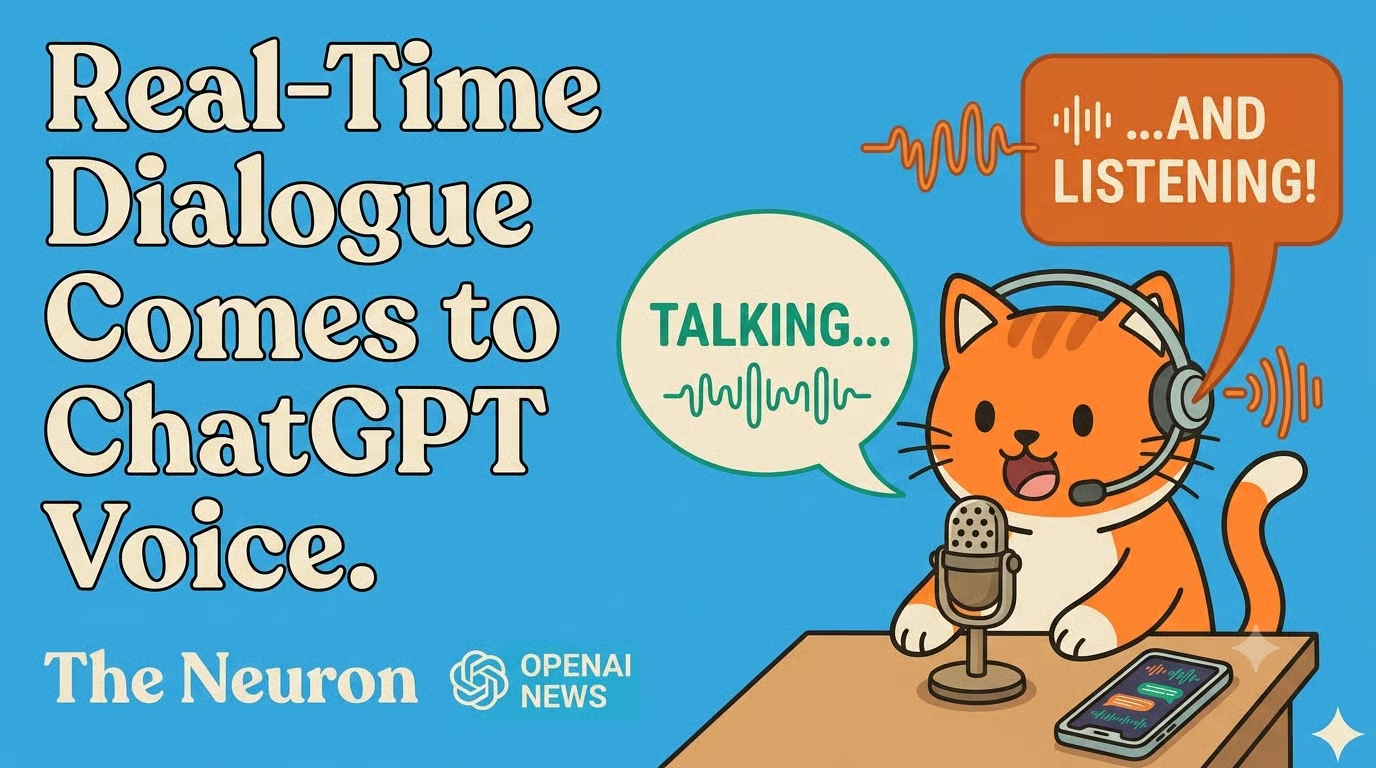
This is not a minor tweak to an existing feature. Full-duplex voice represents a genuine architectural shift in how AI assistants handle spoken interaction, and the implications ripple well beyond just removing an annoying pause.
What Full-Duplex Actually Means
Most current voice AI systems are half-duplex: they alternate between listening and speaking, the same way a walkie-talkie works. You press talk, the assistant listens. You release, it responds. It cannot process new audio while it is generating speech, and it cannot interrupt itself to register that you just changed your mind halfway through a sentence.
Full-duplex means both channels are open simultaneously. ChatGPT with GPT-Live can hear you while it is still talking, react to interruptions in real time, and decide whether a pause in your speech means you are done or just thinking. This is how human conversation actually works, and closing that gap makes voice feel dramatically more natural.
The Neuron notes that during OpenAI’s own livestream demonstration, GPT-Live was listening to an ongoing conversation and responding with acknowledgements — “mm,” “yeah,” “that’s right” — during natural breaks. That is either impressive or mildly unnerving depending on your tolerance for an AI that has opinions about when to pipe up.
Who Gets GPT-Live and How to Access It
Rollout follows OpenAI’s familiar tiered structure. According to The Neuron:
- GPT-Live-1 becomes the default Voice model for Go, Plus, and Pro subscribers.
- Free users receive GPT-Live-1 mini, a lighter version of the same system.
- Business, Enterprise, and Edu accounts do not get Live at launch — a notable gap given those are often the users with the most professional use cases for voice.
The feature is available on iOS, Android, and ChatGPT.com right now, but is not yet supported in Temporary Chats, the desktop app, or custom GPTs. An API rollout is described as coming soon, with The Neuron citing current Realtime API pricing for the existing gpt-realtime-2.1 model at $32 per one million input tokens and $64 per one million output tokens — roughly ₹2,720 and ₹5,440 respectively at current exchange rates. Expect GPT-Live API pricing to be announced alongside that rollout.
To try it yourself: update the ChatGPT mobile app or visit ChatGPT.com, tap the Voice icon in the message bar, grant microphone access, and navigate to Settings → Voice to select Live, Advanced, or Standard modes.

Why This Matters Beyond the Demo
The headline feature is the interruption capability, but The Neuron points to several downstream changes that make GPT-Live substantively different from what came before.
GPT-Live is not just a voice wrapper. It can use search and memory, display visual widgets during conversation, and — critically — escalate harder questions to GPT-5.5 running in the background. That last detail matters: you are not just talking to a voice model, you are talking to a voice front-end that can route to more capable reasoning when needed. The voice interface and the intelligence layer are becoming decoupled.
This opens up use cases that were awkward or impossible before:
- Language learning and fluency coaching: A tutor that hears your pronunciation in real time, corrects mid-sentence, and adjusts difficulty on the fly is qualitatively different from one that waits for you to finish before responding. The Neuron specifically flags live language tutoring as one of the most impactful applications.
- Interview and sales call practice: Realistic back-and-forth requires an AI that can push back when you trail off, not just when you formally hand over the floor.
- Live translation: Translating while a speaker is still talking requires simultaneous processing — something half-duplex systems fundamentally cannot do.
- Hands-free brainstorming: Walking, cooking, or commuting while thinking out loud becomes much more productive when the AI can track a wandering monologue and ask clarifying questions mid-stream.
For Indian users specifically, the language tutoring angle deserves attention. India’s multilingual environment — where code-switching between languages mid-sentence is genuinely common — has always been poorly served by rigid turn-based voice systems. A model that can track speech in real time, including mid-sentence pivots, is considerably better suited to that kind of natural bilingual flow.
The Problem Nobody Is Talking About
The Neuron raises one concern that the launch demos did not fully answer: what happens when you want GPT-Live to just listen?
During the livestream, whenever there was a break in conversation, GPT-Live would insert a brief acknowledgement. That is fine, even pleasant, in a one-on-one conversation. But consider the scenario where you want an AI to sit in on a long meeting, track everything said, and only respond when you explicitly address it. Under the current behavior, every natural pause in the room becomes an invitation for the AI to say “mm-hmm” into the call.
OpenAI says you can instruct Live to wait until you are ready, and a suggested test prompt from The Neuron is: “Wait until I ask you to respond.” But the newsletter also flags that long pauses or background speech may still trigger responses regardless of that instruction. That is a meaningful limitation for professional or ambient use cases, and one worth testing carefully before relying on it in any high-stakes setting.

The Bigger Picture: Voice as a Real Interface
For years, voice has been treated as a novelty input method — something you use when your hands are full, or when you want to feel like you are in a science fiction film. The adoption numbers for voice assistants reflect this: people set timers and ask for weather forecasts, then revert to typing for anything that actually matters.
GPT-Live is part of a broader push by OpenAI to make voice a primary, not supplementary, interface. Combined with memory (so the AI knows your context), visual widget output (so it can show you things while talking), and GPT-5.5 escalation (so it does not get stuck on hard questions), the voice modality is beginning to close the gap with text in terms of what it can actually accomplish.
The Neuron situates this launch within a fiercely competitive moment — GPT-5.6 reportedly represents OpenAI’s last release in the 5.x line before GPT-6 arrives, with Anthropic’s own roadmap accelerating in parallel. The voice feature is not just a product update; it is a signal about where the interface wars are heading. The company that makes AI feel most natural to talk to — not just most capable on a benchmark — may end up owning the most valuable real estate in daily user habit.
What to Watch Next
The API rollout for GPT-Live will be the real test of how seriously OpenAI wants developers to build around voice. If the pricing lands in a range that makes real-time voice applications viable for startups (rather than only enterprise contracts), the ecosystem of voice-first AI products could expand significantly.
For everyday users, the practical experiment is simple: update your app, switch to Live mode, and see whether the conversation feels different from what you have been used to. The bar for “impressive voice AI demo” is low. The bar for “voice AI I actually use every day” is considerably higher — and that is the one that matters.
“Voice is becoming less like a novelty input method and more like an actual interface.” — The Neuron, July 8, 2026
GPT-Live is a genuine step toward clearing that bar. Whether the interruption handling, the background-speech sensitivity, and the enterprise rollout gap get resolved in the coming weeks will determine whether this becomes a feature people forget they use, or just another toggle buried in Settings.