Claude Code’s Agent Dashboard Gets Powerful Configuration Controls
Claude Code 2.1.142 introduces comprehensive configuration flags for the claude agents dashboard, enabling teams to preset models, permissions, and directory access for background sessions. The update also upgrades Fast mode to use Opus 4.7 by default and improves background session persistence across spawning operations.
Claude Code’s Agent Dashboard Becomes a Power User’s Command Center
The Claude Code changelog for version 2.1.142 reveals a significant leap forward in how teams can manage their AI workflows. According to the official documentation at code.claude.com, this update transforms the claude agents dashboard from a simple session viewer into a sophisticated control panel that lets you preconfigure exactly how background sessions should behave.
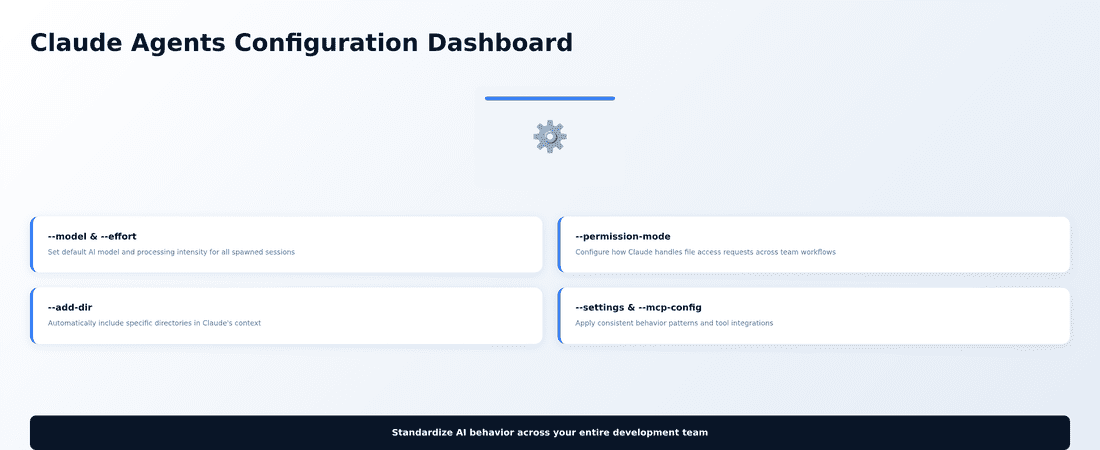
The headline feature is a comprehensive set of new flags for the claude agents command: --add-dir, --settings, --mcp-config, --plugin-dir, --permission-mode, --model, --effort, and --dangerously-skip-permissions. These aren’t just cosmetic additions — they fundamentally change how you can standardize Claude’s behavior across your team’s workflows.
What These Configuration Controls Actually Do
Think of these new flags as templates for background sessions. When you launch the agent dashboard with specific configurations, every new background session spawned from that dashboard inherits those settings. The Claude Code changelog explains that this applies both to the dashboard itself and to background sessions dispatched from it.
For instance, --model and --effort let you set default AI model preferences, while --permission-mode determines how Claude handles file access requests. The --settings and --mcp-config flags allow you to specify configuration files that define Claude’s behavior patterns and tool integrations.
The --add-dir flag is particularly useful — it automatically includes specific directories in Claude’s context, meaning relevant files are available without manual selection each time.
Real-World Impact for Indian Teams
Consider a software development team at a fintech startup in Pune working on multiple client projects. Previously, each developer would need to manually configure Claude’s permissions, specify the correct model settings, and ensure the right project directories were accessible every time they started a new session.
With version 2.1.142, the team lead can now launch the agent dashboard with a standardized configuration: claude agents --model claude-3-opus --permission-mode ask --add-dir ./client-projects --settings ./team-config.json. Every background session created from this dashboard automatically inherits these settings, ensuring consistency across the team’s AI-assisted development work.
This is especially valuable for consulting firms or agencies managing multiple client accounts, where different projects might require different model configurations or directory access patterns.
Enhanced Model Defaults and Fast Mode Changes
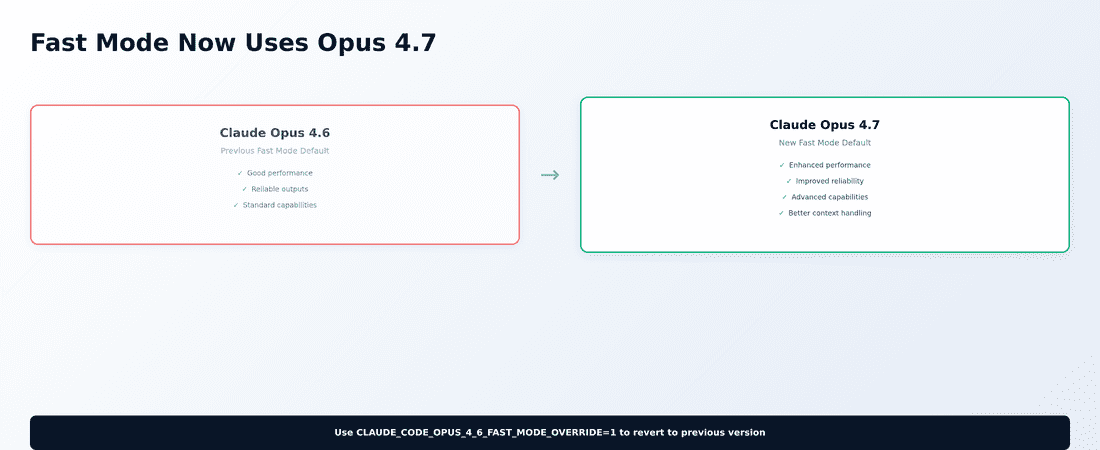
The Claude Code changelog also notes a significant change to Fast mode behavior. According to the documentation, Fast mode now uses Opus 4.7 by default instead of the previous Opus 4.6. This represents a meaningful upgrade in capability for users who rely on Fast mode for quick iterations.
However, Anthropic has provided a safety valve: you can set CLAUDE_CODE_OPUS_4_6_FAST_MODE_OVERRIDE=1 if you need to maintain the previous model behavior for compatibility reasons.
Background Session Persistence Improvements
One of the more technical but practically important changes involves how background sessions maintain their configuration. The changelog indicates that /bg and detach operations now preserve critical settings like --fallback-model, --allow-dangerously-skip-permissions, and various configuration flags.
This means when you background a session or detach from it, the session retains its original setup rather than reverting to defaults. For teams running long-running background processes or complex multi-session workflows, this eliminates a major source of configuration drift.
Plugin and Skill Discovery Enhancements
The update also refines how Claude Code handles plugins and skills. According to the changelog, plugins with a root-level SKILL.md file but no skills/ subdirectory are now properly surfaced as skills. This change simplifies the plugin development process and makes single-skill plugins more discoverable.
The /plugin details pane now shows LSP (Language Server Protocol) servers that a plugin provides, giving developers better visibility into what development tools each plugin brings to their environment.
Important Limitations and Considerations
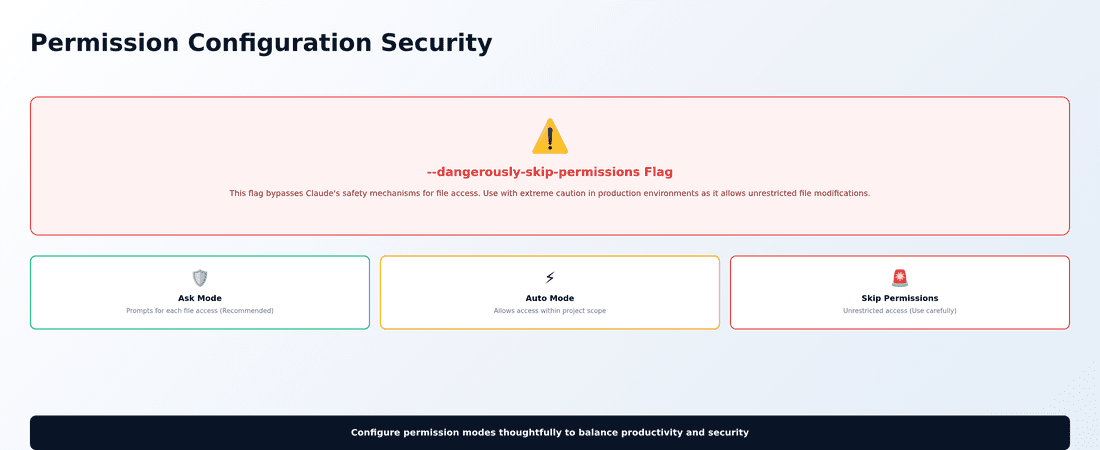
While these configuration improvements are substantial, they come with important caveats. The --dangerously-skip-permissions flag, as its name suggests, bypasses Claude’s safety mechanisms for file access. The changelog emphasizes this should be used carefully, as it can allow Claude to modify files without explicit user consent.
The configuration persistence features also mean that misconfigured sessions can propagate their settings to spawned background workers. If you set inappropriate model defaults or permission modes, every session launched from that dashboard will inherit those potentially problematic settings.
Additionally, some of these features appear to be most relevant for teams already using Claude Code’s more advanced features like MCP (Model Context Protocol) servers and custom plugin configurations. Organizations just starting with Claude Code might find the basic functionality sufficient for their needs.
What This Means for Your Claude Code Adoption
These changes position Claude Code as a more enterprise-ready tool. The ability to standardize configurations across team members reduces onboarding time and ensures consistent AI behavior across projects. For Indian businesses looking to implement AI assistance at scale, this addresses one of the key challenges: maintaining consistent AI behavior across different team members and projects.
The enhanced background session management also makes Claude Code more suitable for complex, multi-step workflows where you might need Claude to work on different aspects of a project simultaneously.
Getting Started with the New Configuration Options
If you’re currently using Claude Code, you can check your installed version with claude --version to see if you have access to these features. The Claude Code documentation suggests experimenting with the new flags in a test environment first, particularly if you’re considering using permission bypass options.
For teams new to Claude Code, these configuration improvements make it worth evaluating how structured AI assistance could fit into your development or content workflows. The ability to preset model preferences and directory access could significantly reduce the friction of AI adoption across your organization.
The steady pace of Claude Code improvements suggests Anthropic is positioning this as a serious tool for professional AI-assisted work rather than just an experimental interface. These configuration controls represent a meaningful step toward making Claude Code viable for larger teams and more complex workflows.