Claude Now Lives Inside Your Work Apps — Here Is What That Means for Your Business
Anthropic has expanded Claude's interactive connectors so tools like Notion, HubSpot, and Confluence can open beside your chat and accept live edits from Claude with your approval. Indian professionals on Western SaaS stacks will find immediate value, but Tally, RazorPay, and Zoho remain absent from the connector list.
Claude Just Crossed a Significant Line
For a long time, the workflow looked like this: you asked an AI assistant something, copied the output, switched to another tab, pasted it in, cleaned up the formatting, and moved on. Useful — but still fundamentally a copy-paste relationship.
That relationship has now changed. According to Anthropic’s announcement on the Claude resources page, Claude can now open tools like Notion, Confluence, HubSpot, Asana, Box, and Canva directly beside your conversation — and make changes inside those tools in real time, with your approval before anything is committed.
This is not a small interface update. It is a structural shift in how AI sits inside a knowledge-work day.
What “Interactive Connectors” Actually Do
Anthropic’s announcement describes this as an expansion of interactive connectors, a feature the company launched earlier in 2026 to bring small live previews of tools into Claude. The new capability goes further in two important ways.
First, the tool no longer appears as a limited preview. Where a connector supports it, you get the full editor — signed into your own account — sitting beside your Claude chat. For Confluence or Notion, that means the actual page you are working on, with all its formatting and structure intact, is visible and editable on the same screen.
Second, Claude can now reach into that open tool and make changes. You ask Claude to rewrite a section of a Confluence page, and the edits appear live on the page itself. You review the changes, approve them, and they stick. If you do not approve, nothing changes. The announcement is explicit that you “approve its actions the same way you approve a connector’s actions.”
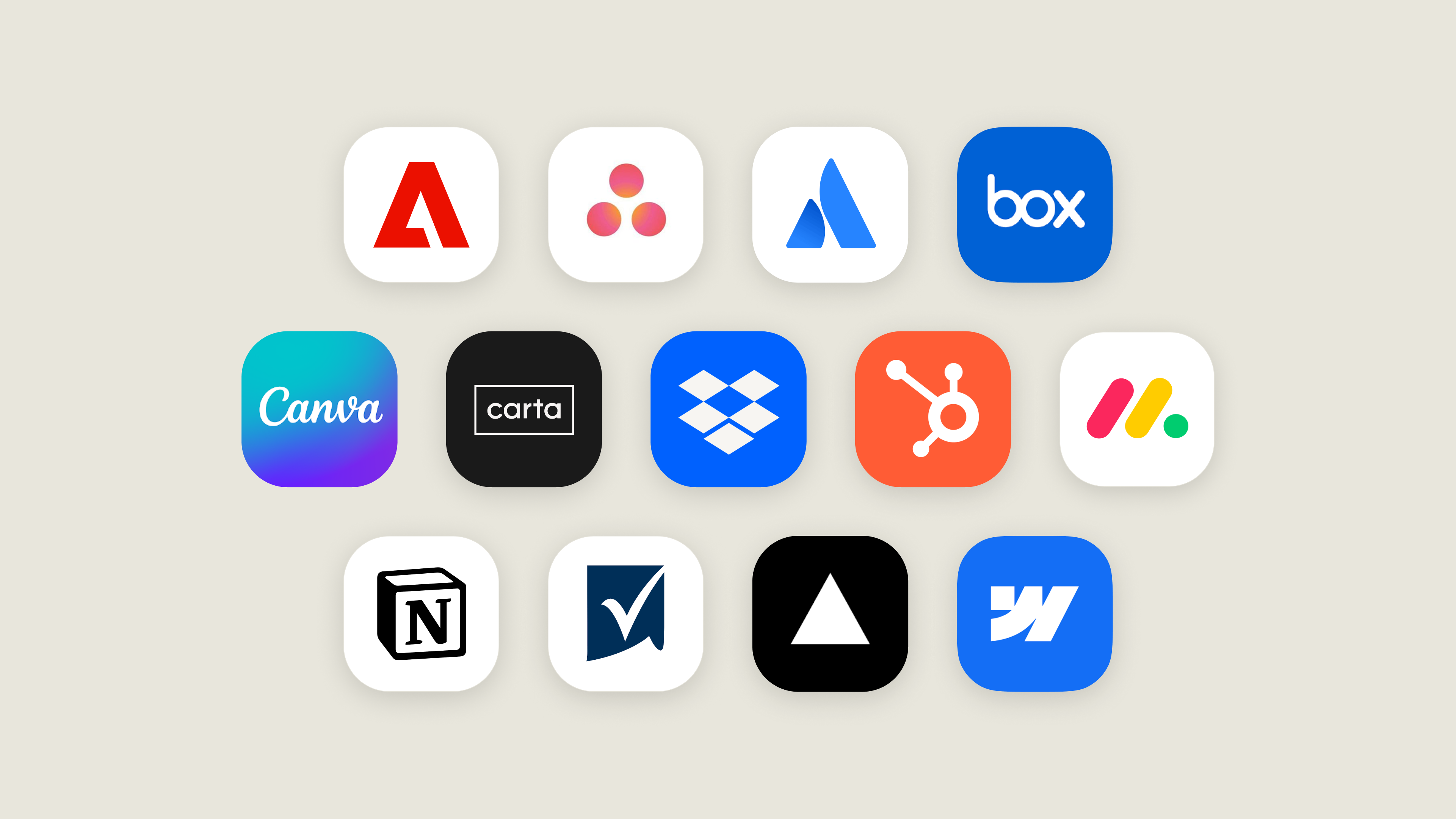
The tools currently named in the announcement include Asana, Canva, Carta, Dropbox, monday.com, Smartsheet, Vercel, Webflow, Adobe, Atlassian (Confluence), Box, HubSpot, and Notion. Figma, Harvey, and Shopify are described as building integrations. This is rolling out on the web and in the Claude desktop app across all plans, as part of what Anthropic calls the new Claude experience.
A Concrete Scenario: A Pune-Based Marketing Agency
Consider a mid-sized digital marketing agency in Pune that manages content and campaigns for 15 to 20 clients. The team runs their project tracking in Asana, their content drafts in Notion, and their client CRM in HubSpot.
Today, a campaign manager named Priya spends roughly 90 minutes every Monday doing what amounts to administrative translation: reading status updates across three tools, writing summaries for the weekly client call, and updating task priorities in Asana based on what she just reviewed in HubSpot.
With Claude’s new connector capability, the workflow compresses significantly. Priya can open her HubSpot pipeline beside her Claude conversation, ask Claude to identify which deals need follow-up this week based on last-touch dates, and then act on those priorities from the same screen. According to the announcement, Claude in HubSpot can “prioritize pipeline tasks and follow-ups, then act on them.”
She can then switch to her Notion workspace — also pinned in Claude’s sidebar — and ask Claude to draft the client update document based on the pipeline data she just reviewed. The draft appears directly in the Notion editor. She edits it herself, asks Claude to tighten one section, approves the revision, and the document is done — without ever leaving Claude.
This is the specific operational promise of this feature: reducing the tool-switching cost that eats up non-technical professionals’ mornings.
The Underlying Technology: MCP Apps
Anthropic’s announcement explains that interactive connectors run on MCP Apps, an open extension to the Model Context Protocol (MCP). The key detail for anyone thinking about the long-term is this: an MCP App you build is not exclusive to Claude. It can run in any AI application that supports the extension.
This means developers building integrations today are not building for a single AI platform — they are building for a protocol. For Indian software vendors or in-house tech teams thinking about whether to invest in this, that portability matters.
The announcement notes that support for these capabilities — including app tools and embedded sites — is in public preview for developers starting now.
Limitations You Should Know Before Getting Excited
This is a genuinely interesting capability announcement, but there are real constraints worth naming clearly before you change your team’s workflow around it.
The Tool List Is Narrow and Skewed Western
The connectors currently named — Asana, Notion, HubSpot, Box, Canva, Confluence, Dropbox, monday.com — are tools used globally, but they are not the tools that anchor the financial and operational back-end of most Indian SMEs. Tally, the accounting backbone of Indian small business, is not on the list. RazorPay, the payment infrastructure layer for thousands of Indian startups and e-commerce businesses, is not mentioned. Zoho, which has enormous adoption across Indian businesses precisely because it is affordable and locally supported, does not appear in the announcement.
If your business runs on any of these, the new Claude connectors do not touch your core workflow yet.
Indian-Language Data Is an Open Question
The announcement says nothing about how Claude handles tool content in Hindi, Marathi, Tamil, Telugu, or other Indian languages. If your Notion pages, HubSpot notes, or Confluence documentation contain significant regional-language content — which is increasingly common for teams serving vernacular markets — there is no stated guarantee that Claude’s edits and summaries will handle that content accurately. This is worth testing carefully before relying on it for client-facing outputs.
Pricing Transparency Is Incomplete
Anthropic’s announcement states the feature is rolling out “on all plans” but does not publish plan pricing within the article itself. Claude’s paid plans are priced in USD. For Indian professionals billing in INR, USD-denominated subscriptions carry currency conversion costs and are subject to 18% GST on imported digital services under Indian tax rules — a factor that affects the true monthly cost compared to the sticker price. At the current exchange rate of approximately 1 USD ≈ 85 INR, even a modest $20/month plan translates to roughly ₹1,700 before taxes.
Approval Is Manual — By Design
This is not a limitation so much as an intentional architecture choice, but it is worth stating: Claude does not auto-commit changes. Every action Claude takes in a connected tool requires your approval. For users hoping to automate repetitive bulk updates — rewriting 50 Notion pages in a batch, for instance — this approval-per-action model will feel slow. The design prioritises human oversight over speed, which is the right call for data integrity reasons, but it means this is a human-in-the-loop tool, not a background automation engine.
What to Watch and How to Start
If your team already uses Notion, HubSpot, Confluence, or Asana, the most practical next step is to check whether your Claude account has been updated to the new experience — the announcement notes features appear once your account is updated or your organisation administrator enables them.
For Indian professionals who are not yet on these Western SaaS tools, the more important signal here is the MCP Apps protocol itself. As Anthropic has opened this to developers, watch whether Indian SaaS vendors — particularly Zoho, Freshworks, or Tally integrators — begin publishing MCP-compatible connectors. That is the moment this feature becomes genuinely relevant to the Indian SME mainstream.
For now, if you are a consultant, agency owner, or operations lead already inside the Notion-HubSpot-Asana ecosystem, this is worth evaluating in a low-stakes workflow first — something like drafting a client update or reorganising a project board — before building a dependency on it for mission-critical processes.
The direction of travel is clear: AI assistants are moving from answering questions to working alongside you inside your actual tools. The infrastructure is early, but the architecture is now in place.